

01 / Desktop
Connect and capture
Install Shadow, connect your workspace, and choose what it can capture.
Work intelligence, grounded in evidence
Capture the context behind your work. Shadow reconstructs complete workflows, finds what repeats, and shows where automation could actually help.
Available for macOS and Windows
Reconstructed outcome
One complete attempt · 4 apps · 18 minutes observed
01 / Shadow in motion
See how Shadow connects captured context, reconstructs an outcome, and recognizes a process that repeats.
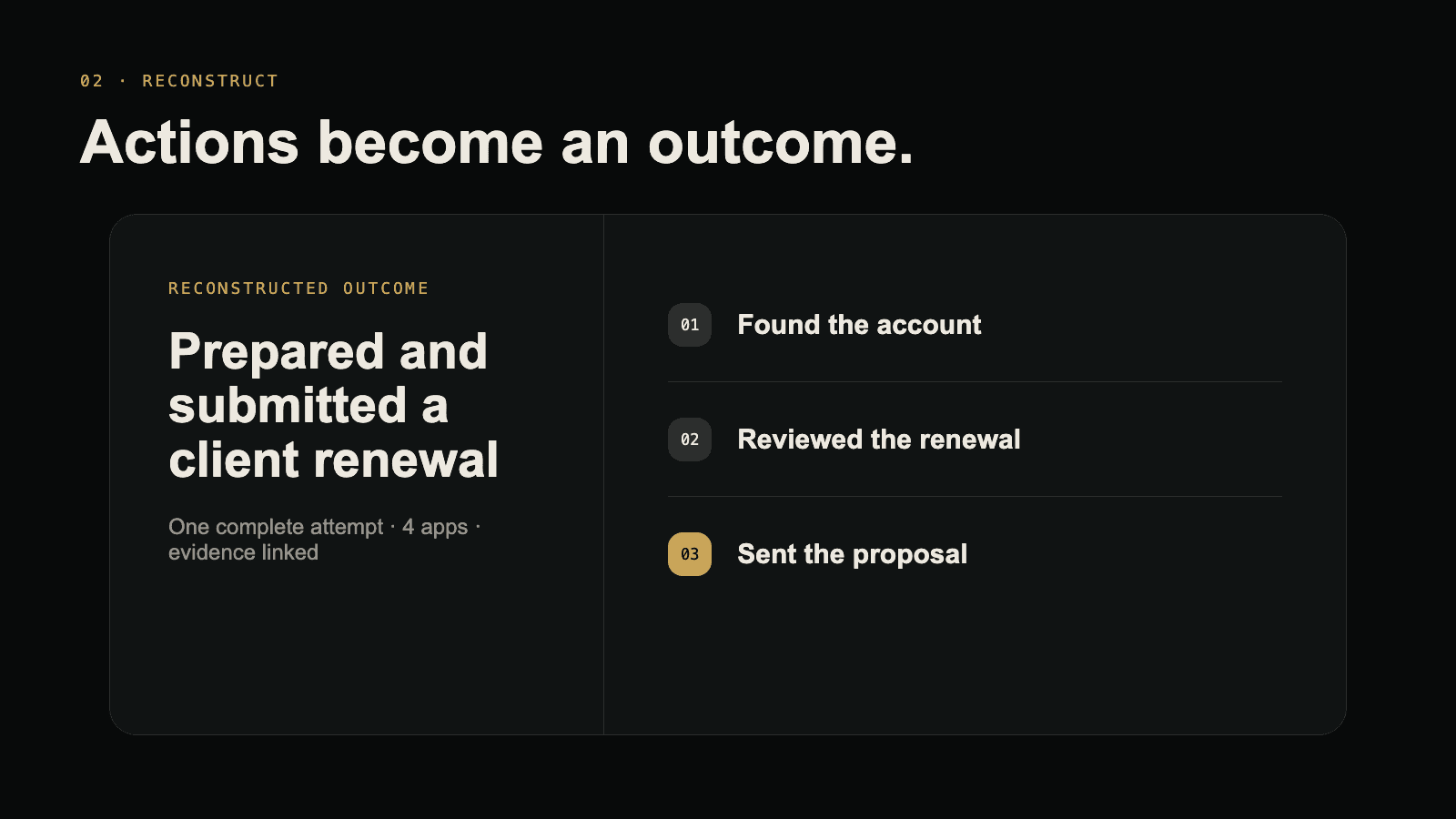
02 / Connect the dots
A task can cross several apps. Shadow connects the steps into a workflow, then finds the processes you repeat.
Illustrative example Client renewal
CRMOpened the client record
DocsUpdated the proposal
EmailSent the renewal
Activity from different apps, with the evidence attached.
See what happened and follow each step back to its source.
Similar goals and steps across separate attempts reveal a recurring process.
03 / How it works
Start on your desktop. Find the full picture in your workspace.
Install Shadow, connect your workspace, and choose what it can capture.
Shadow gathers context as you move between your apps. Pause whenever you need.
Open your workspace to explore workflows, their evidence, and the processes that repeat.
Follow a workflow from its first step to its outcome, even when it crosses apps.
Compare separate attempts at the same task to see the goals and actions they share.
Move from a summary back to the relevant apps, pages, activity, and screenshots.
05 / Built for trust
Workflow claims stay connected to the supporting evidence available for that attempt.
Pause Shadow and exclude displays, window titles, or browser URL patterns.
Shadow can surface possibilities. You review the evidence and choose what happens.
Shadow for desktop
Capture the context behind your work.
macOS & WindowsDownload Shadow
